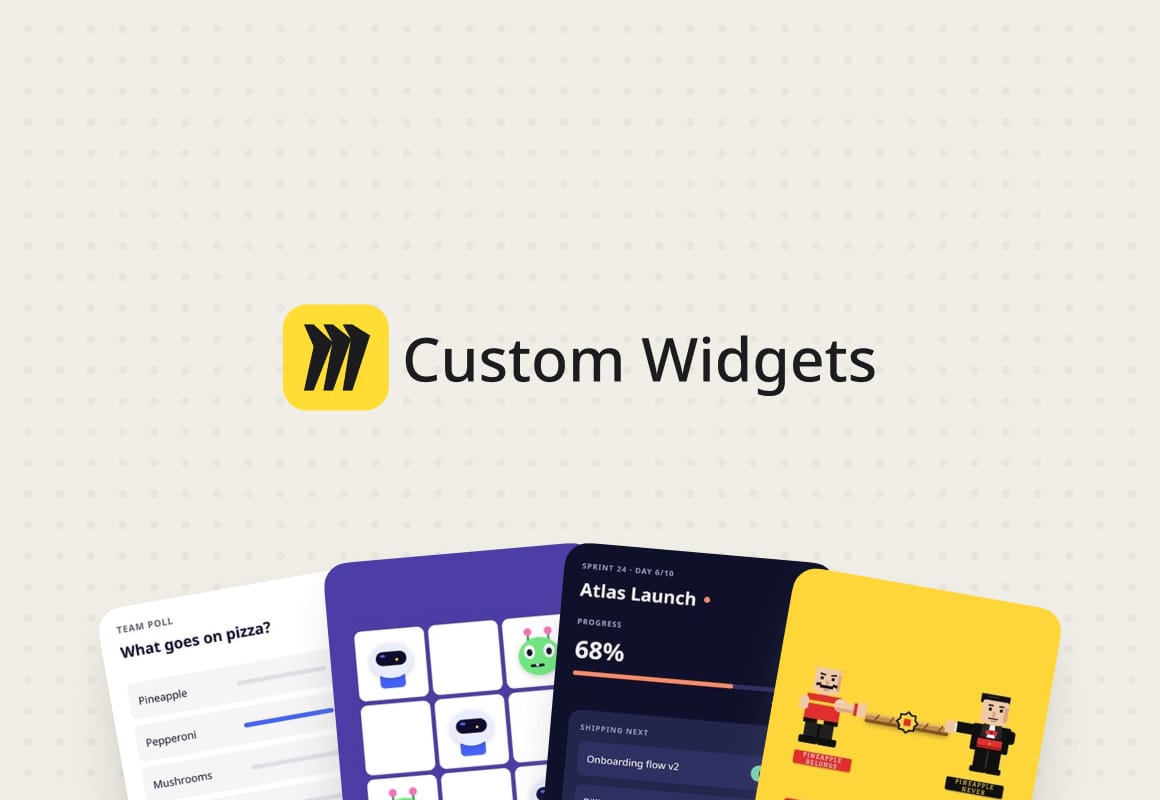
Miro – Custom widgets
Custom widgets let teams turn a simple prompt into interactive tools on the Miro canvas. From candidate scorecards to playful team check-ins, they give teams new ways to work together.
I’m Kasper, a software designer based in Copenhagen and Staff Designer at Miro. I design AI interactions and explore how people can use AI to develop ideas, create content, and work together on the canvas. I also lead the design work behind AI-generated content, making sure the results feel clear and useful.
I design by building. I love exploring new ideas and turning early concepts into working prototypes and projects. They’re also how I lead: making possibilities tangible, giving the team something to touch and feel, and shaping a direction together.
I move quickly, learn by using what I make, and change course when something isn’t working. I like working through open questions with a team and staying close to the work as we refine the result.
Recent cases:
Custom widgets let teams turn a simple prompt into interactive tools on the Miro canvas. From candidate scorecards to playful team check-ins, they give teams new ways to work together.
A way to get things done in Light's finance software by typing what you want instead of going through menus and forms.
Work in progress:
Sorting pictures with a fast vision model. “Group by colour” puts the sweaters into columns, and “group by if I should wear it to the beach or not” works too.
A command bar in my Mac's notch that follows whichever board is open. I type “add 5 stickies”, “add a doc”, “add a table next to it”, and simple commands land in about half a second.
Searching for art by colour. Clicking a swatch, a sticky or a shape brings back nine artworks in that colour, a nice way to wander through the collection.